
…
…

ފޮތްތައް މިހާރު ކިޔާލެވޭނެ!
ކުޑަކުދިންނަށް ރީތި ރީތި ދިވެހި ވާހަކަ ފޮތް
Beautiful Dhivehi storybooks for little readers
- ކުލަކުލައިގެ ރީތި ކުރެހުންތައް
- ކޮންމެ ވާހަކައަކުން އާ ކަމެއް ދަސްވާނެ
- 4 އަހަރާއި 6 އަހަރާ ދެމެދުގެ ކުދިންނަށް
2 ޞަފްޙާ ހިލޭމިތަނުން ބަލާލެވޭނެPreview 2 pages free, right here
މުޅި ފޮތް އެޕުންކިޔަވަމާ އެޕުން ކިޔާލެވޭނެRead the whole book in the app
ވެބްސައިޓުން ކިޔާފޮތްތައް މިތަނުން ކިޔާލެވޭނެRead the books right here
ޕީޑީއެފް ގަނެގެން ޑައުންލޯޑު ކުރޭ
What's new
New in the Kiyavama app this month.
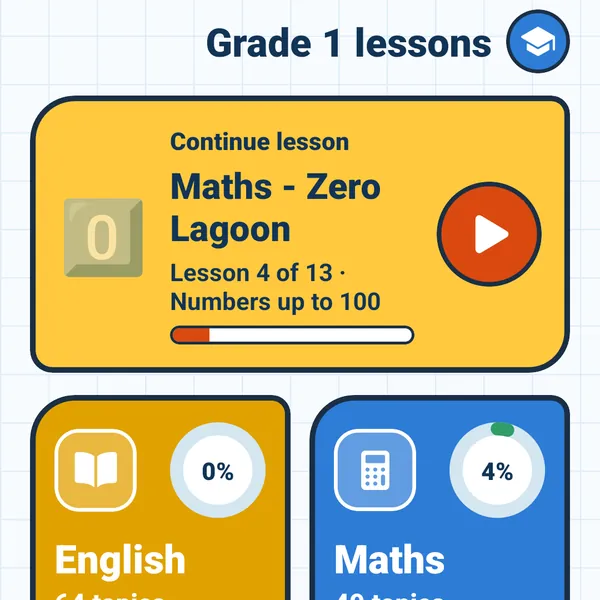
Grade 1 lessons
Maths, English and Science lessons for Grade 1. Read a short lesson, practise, then play a game.
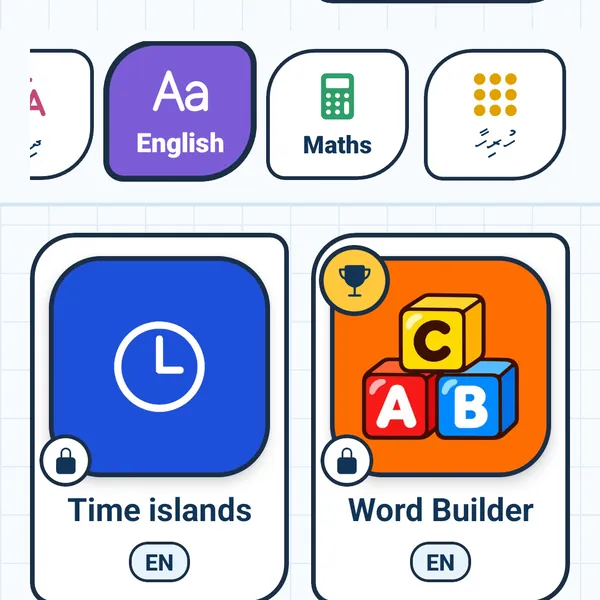
New learning games
New English and Dhivehi games. Build words and sentences, find letters, tell the time and more.
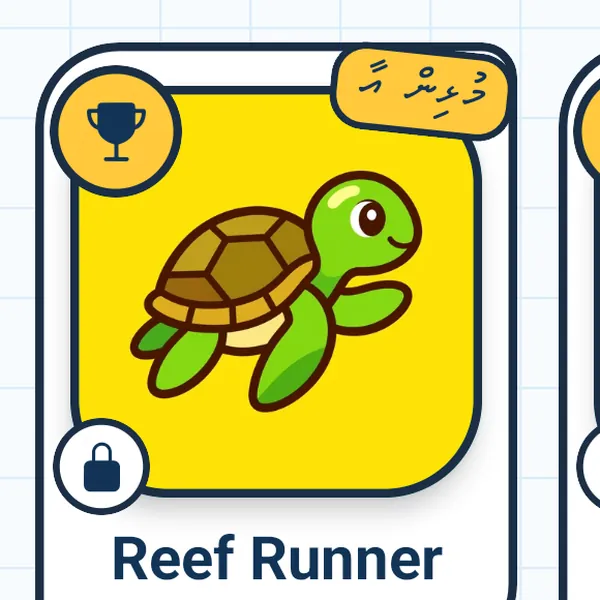
Weekly Top 10
Try to reach this week's Top 10! Players appear only as a fun nickname, like "Happy Turtle 552", never a real name.
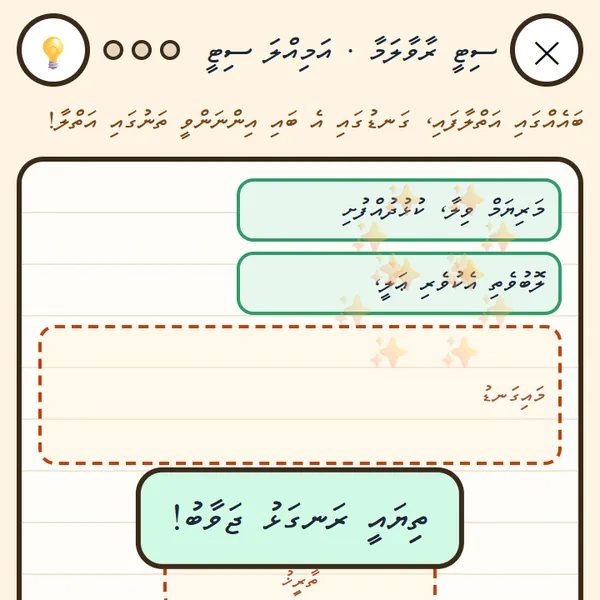
Letter writing
Dhivehi lessons for Grades 4 to 6 on writing a letter, step by step, and a "Build the letter" game.
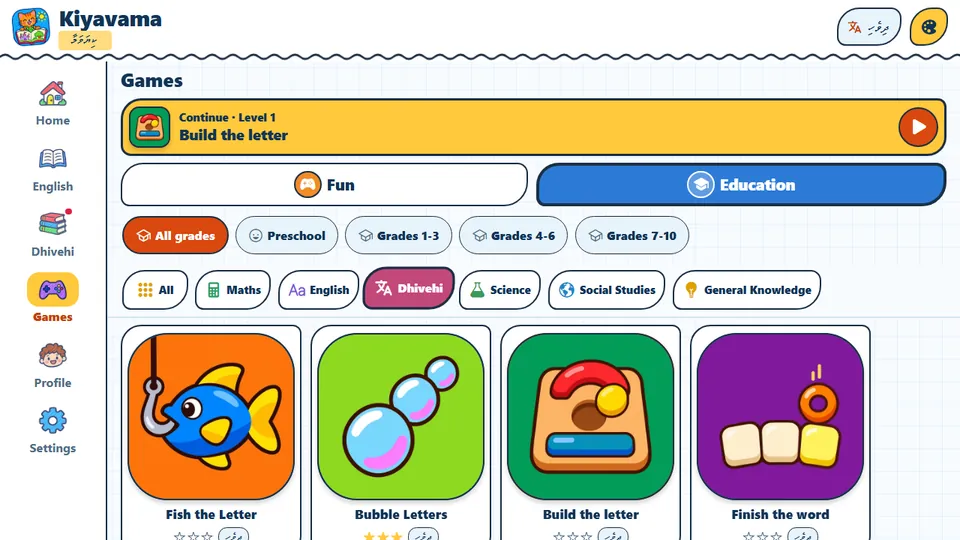
Kiyavama for Windows
The Kiyavama app now works on Windows computers and laptops too: books, lessons and games on a big screen.
ފޮތްތައް Our books
ކޮންމެ ފޮތެއްގެ ފުރަތަމަ 2 ޞަފްޙާ މިތަނުން ހިލޭ ކިޔާލެވޭނެ.
Tap a cover to read the first 2 pages free.
ހުރިހާ ފޮތެއް All books
ކިޔަވަމާ އެޕު The Kiyavama app
ކިޔަވަމާ އެޕުން ހުރިހާ ފޮތެއް އެއްކޮށް ކިޔާލެވޭނެ.
Read every book in full, plus games and flashcards in Dhivehi and English.
- ވާހަކަ
- ކުޅިވަރު
- ފްލޭޝްކާޑު
- ދިވެއްސާއި އިނގިރޭސި